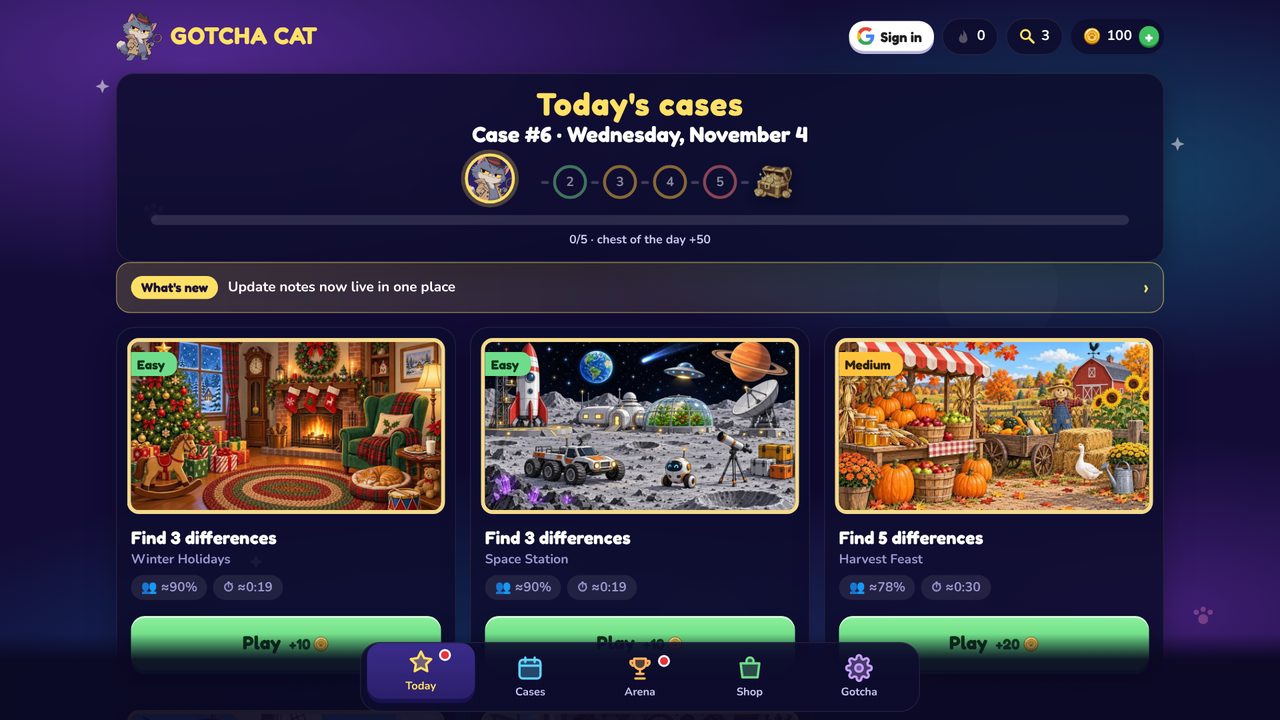
The case archive is now grouped into collections, each case ends with a short fun fact about its theme, and the New Year event starts on December 29.
New
Collections in the archive: Holidays & seasons, Animals & nature, Mysteries, Adventures, Food & shops. Each one also has its own page on the site.
A short checked fun fact about the theme after every solved case, and on each case page.
New Year week, December 29 to January 4: solve one case a day for 7 days to get a New Year postcard, a Santa hat for Gotcha and 200 coins. A teaser card appears on December 15.
A new Large mode makes buttons, text and the found-difference circles bigger and higher-contrast, which helps on small phones and for older players. Random tapping now gets a short, friendly pause.
New
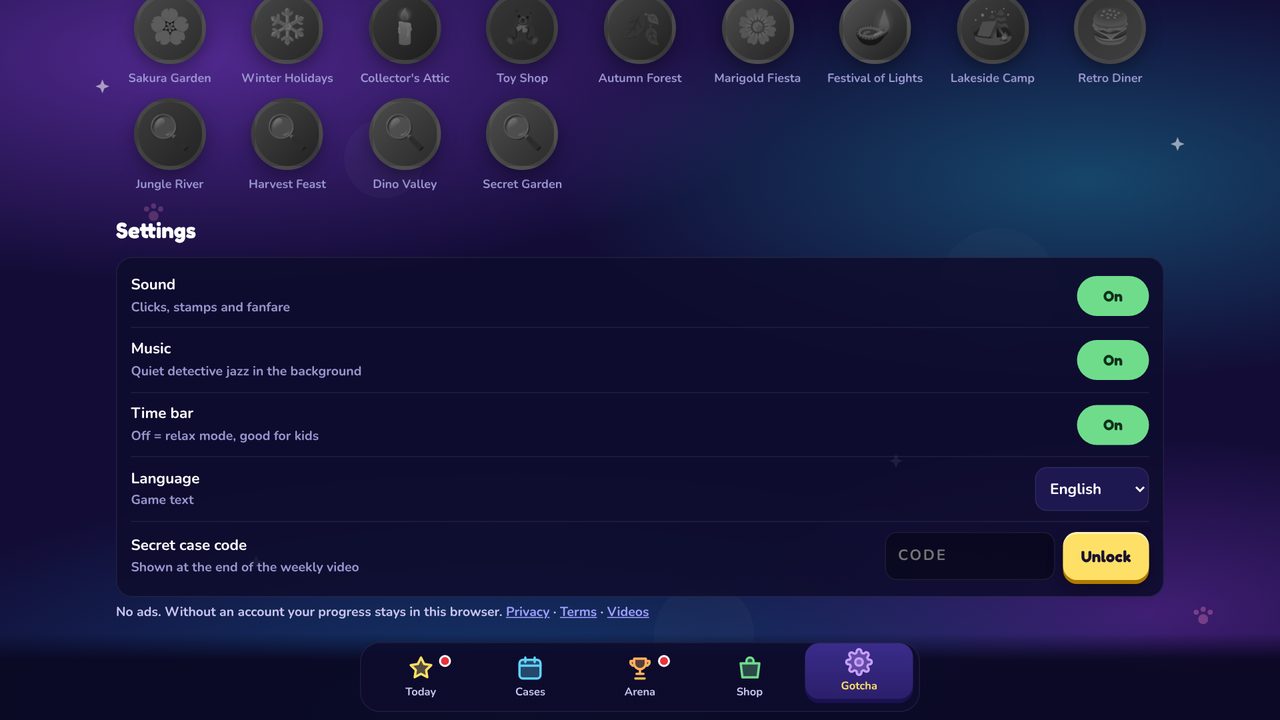
Large mode in Settings: bigger buttons and text, thick high-contrast circles around found differences. Open playgotchacat.com/?big=1 to start in it.
Calm pause: after several misses in a row the picture rests for 2 seconds and Gotcha reacts. There are still no lives and nothing is lost.
Long pages now have a round “back to top” button, the Share button clearly tells you when your result is copied, and the sign-in date fields no longer stick together.
New
A yellow “back to top” button appears on long pages: the game home, the News page, every case page and the case editor. It moves up so the cookie banner never covers it.
Fixed
After you tap Share on a computer, a green “Copied. Paste it in any chat.” message now appears at the top of the screen and the button turns into “✓ Copied”. Before, the confirmation could be hidden below the result card.
In the sign-in step, the Year and Month fields and the Continue button now sit side by side with space between them, and wrap neatly on small phones.
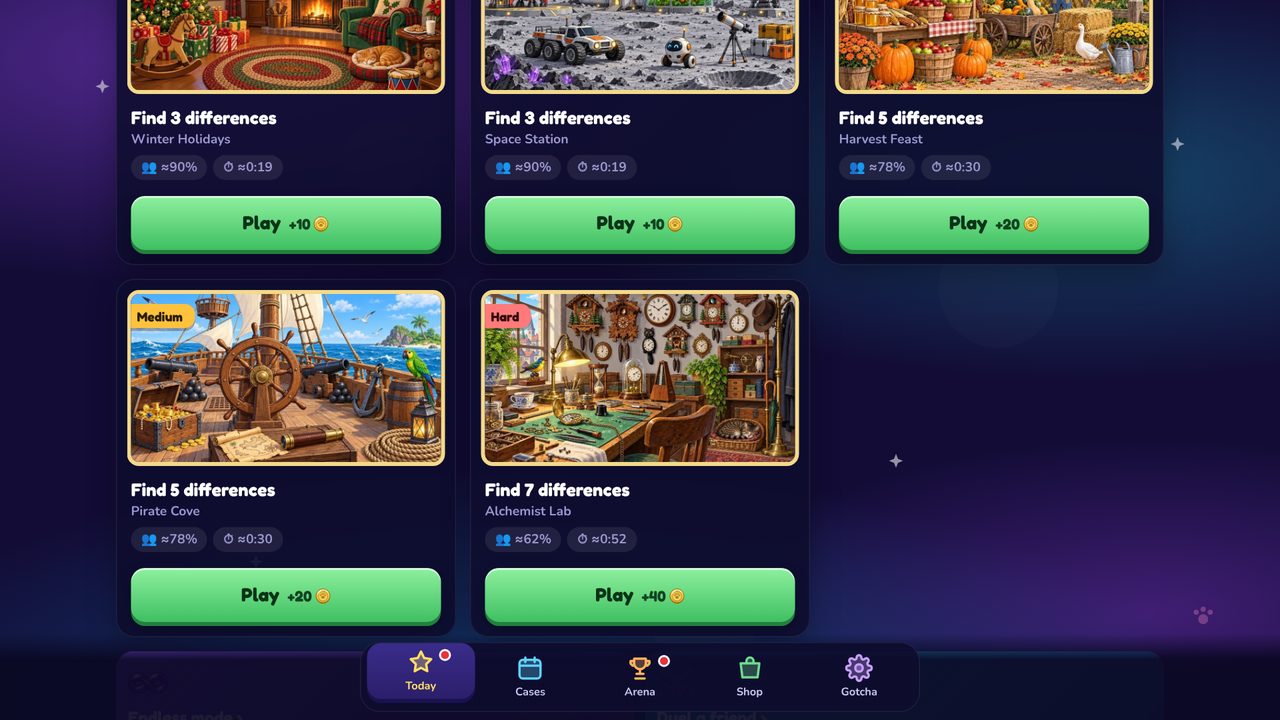
In the Cases tab, the Play button now sits at the bottom of each card, so it never covers the case name on wide screens.
On small phones the result window scrolls, so every button stays reachable.
Endless mode keeps its shared 60-second clock again, with +3 seconds for every difference you find.
“Challenge a friend” on a computer now copies the link and says so on screen.
If you added the game to your home screen, it now updates itself: when you come back to it after a few minutes and a new update is out, it reloads on the home screen.
 GOTCHA CAT